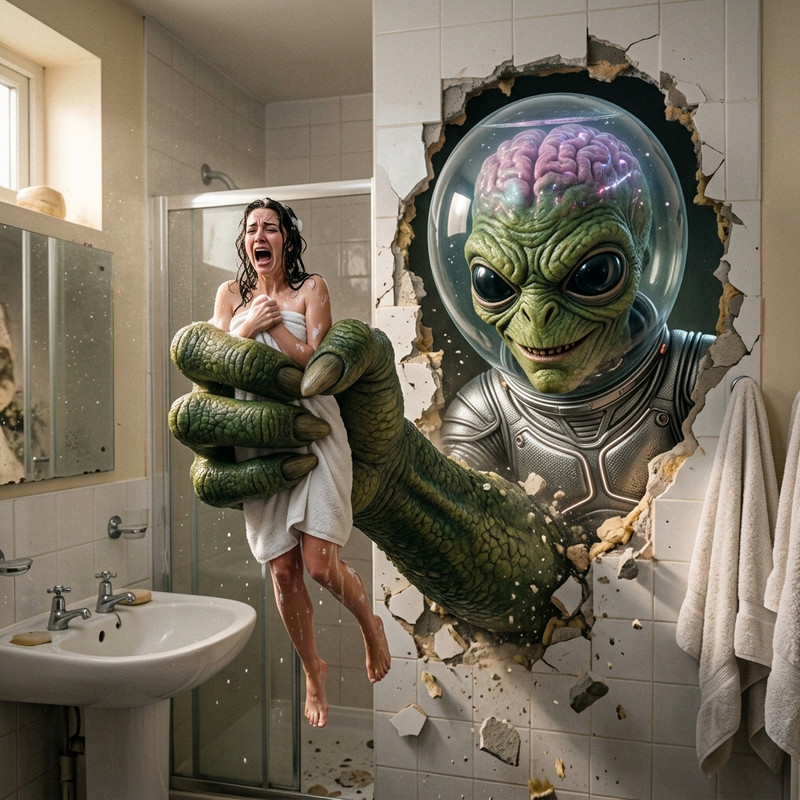
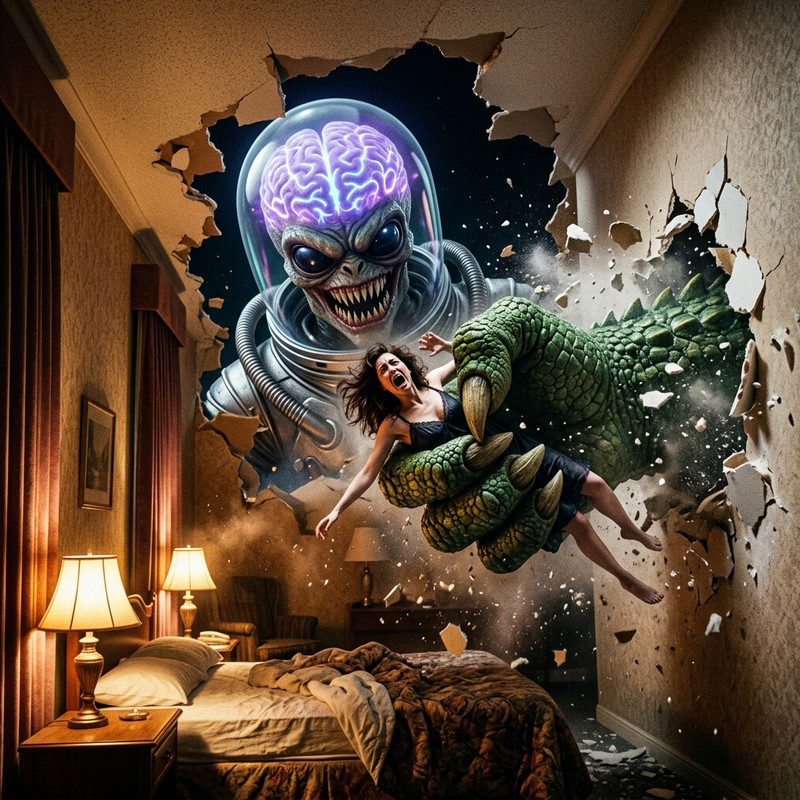
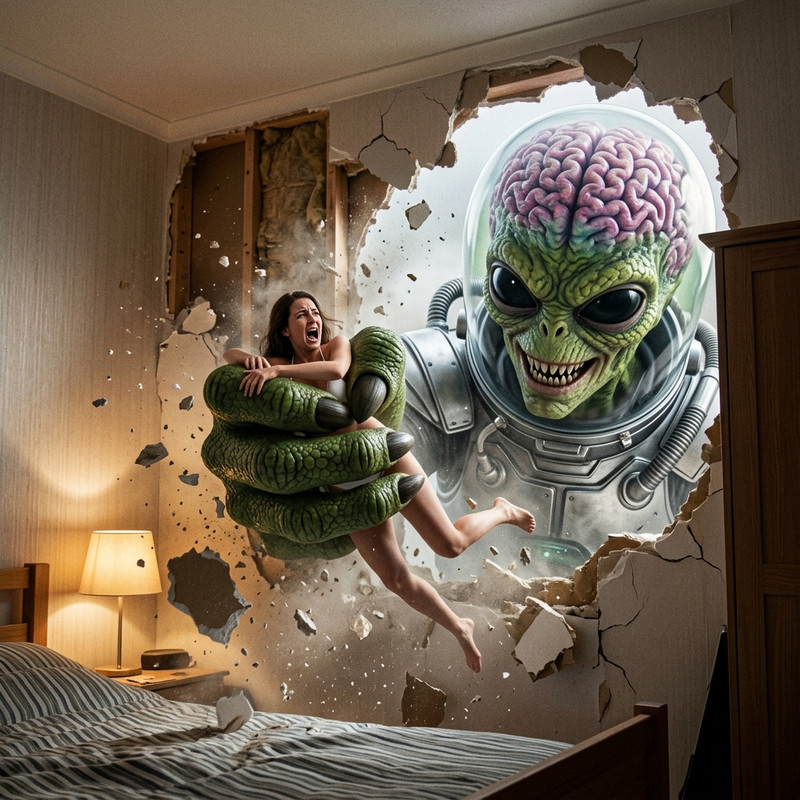
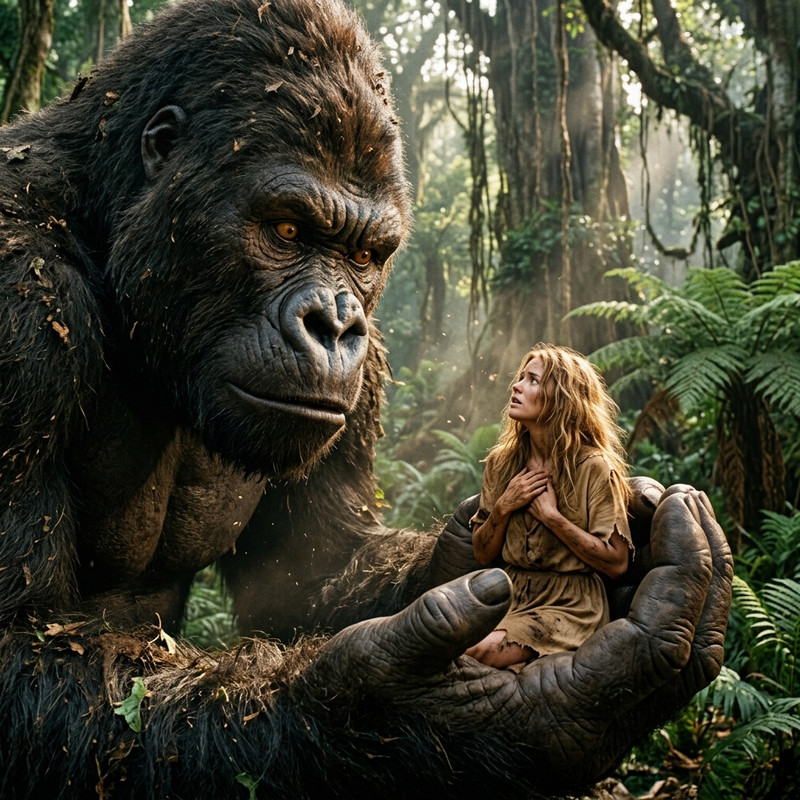
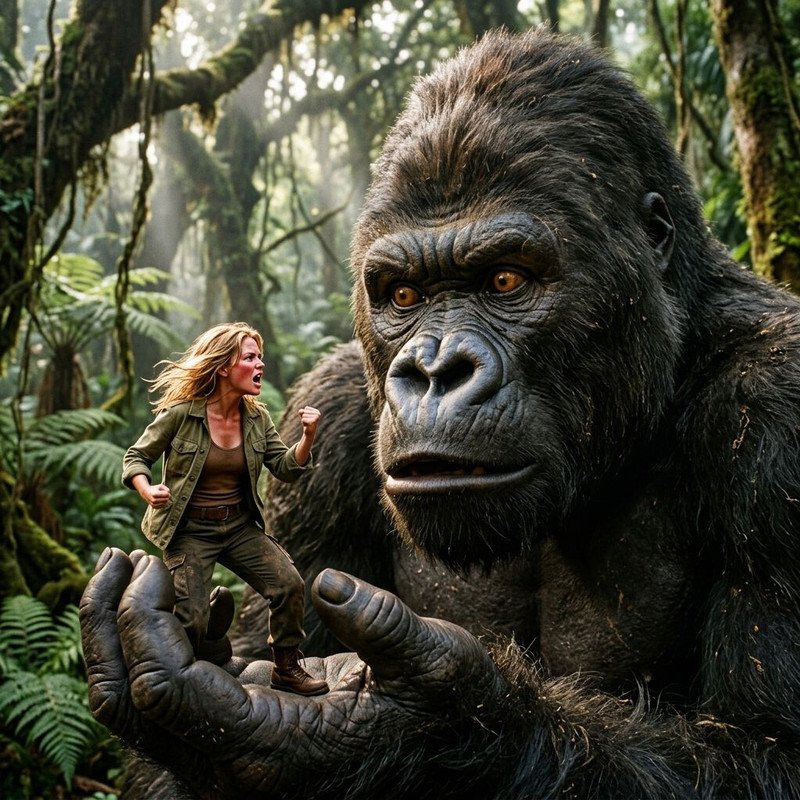
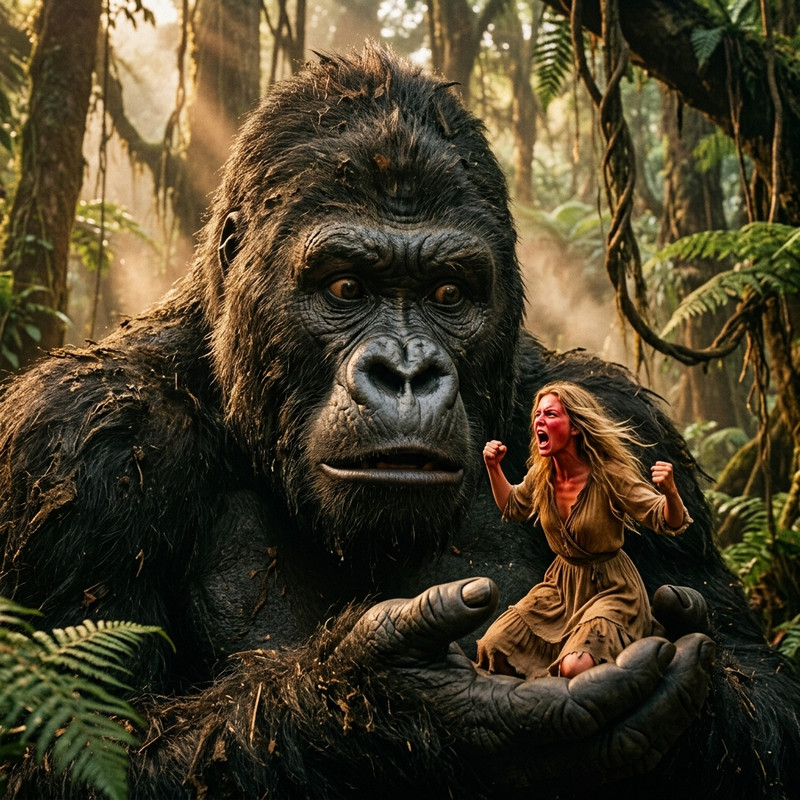
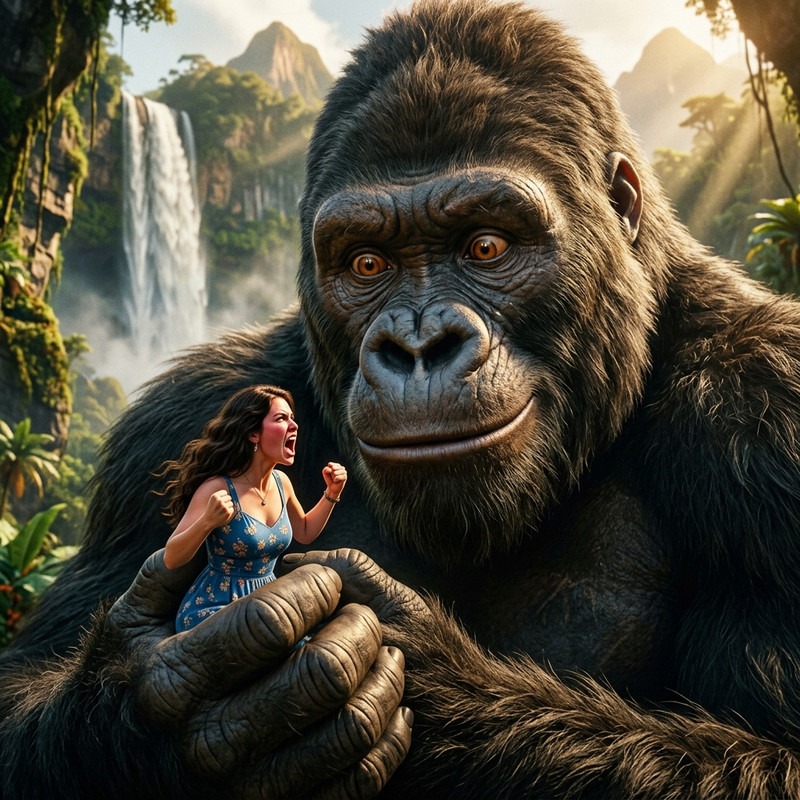
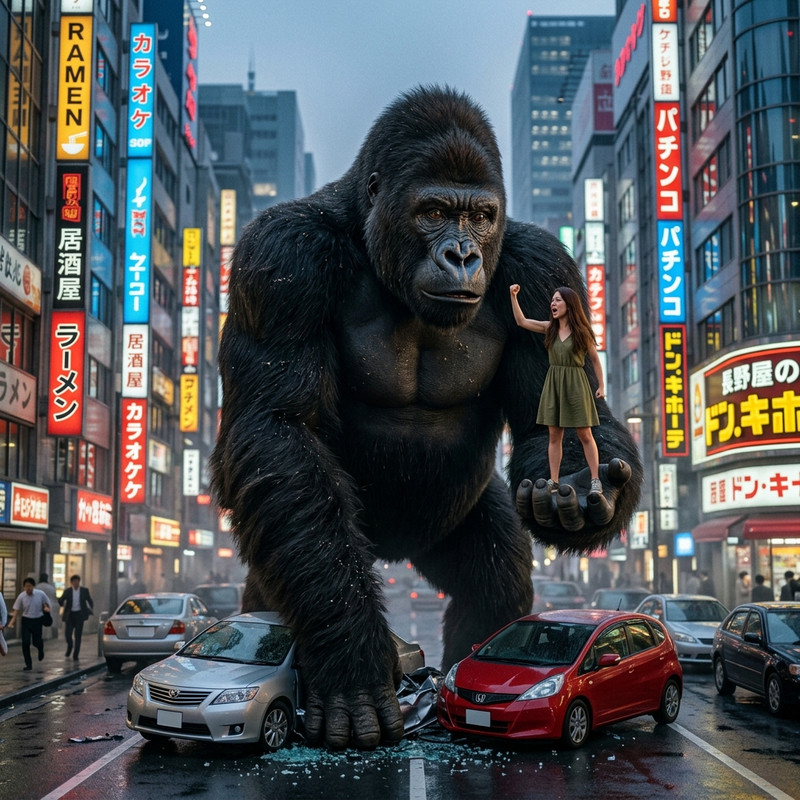
The Forum for AI generated art of shrunken women
-
JOE66
- Shrink Master

- Posts: 553
- Joined: Wed Jan 31, 2018 11:20 am
Post
by JOE66 » Wed Jul 01, 2026 12:13 am
-
JOE66
- Shrink Master
- Posts: 553
- Joined: Wed Jan 31, 2018 11:20 am
Post
by JOE66 » Wed Jul 01, 2026 12:20 am
-
JOE66
- Shrink Master
- Posts: 553
- Joined: Wed Jan 31, 2018 11:20 am
Post
by JOE66 » Wed Jul 01, 2026 12:24 am
-
bobvan2
- Shrink Master
- Posts: 982
- Joined: Thu Mar 23, 2023 2:27 pm
Post
by bobvan2 » Wed Jul 01, 2026 3:27 am
Cool that's what I use
-
Spindrift
- Shrink Grand Master

- Posts: 1230
- Joined: Fri Aug 22, 2025 3:42 pm
Post
by Spindrift » Wed Jul 01, 2026 4:41 pm
JOE66 wrote: ↑Wed Jul 01, 2026 12:24 am
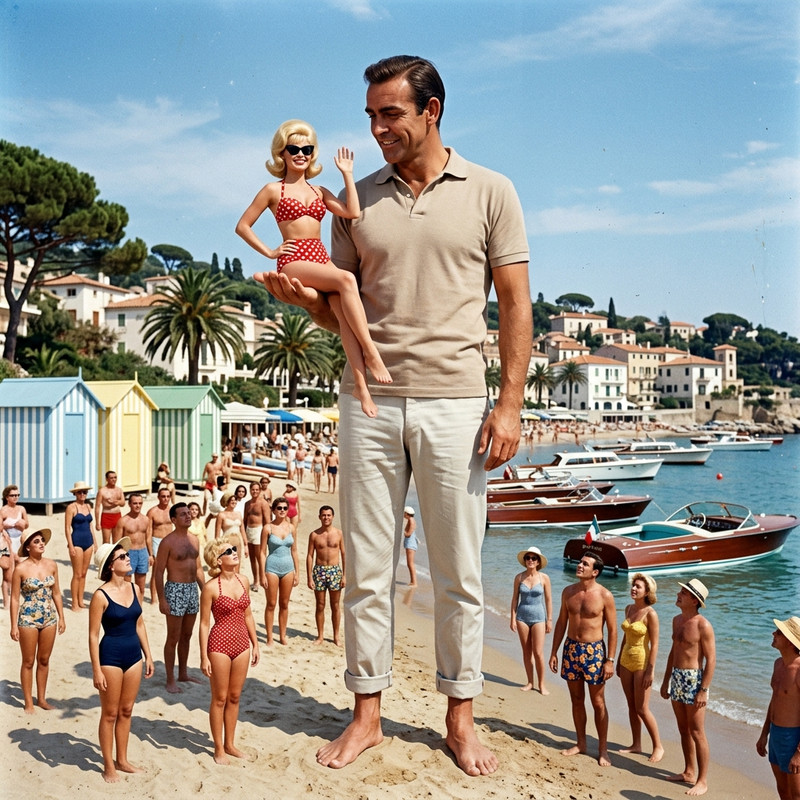
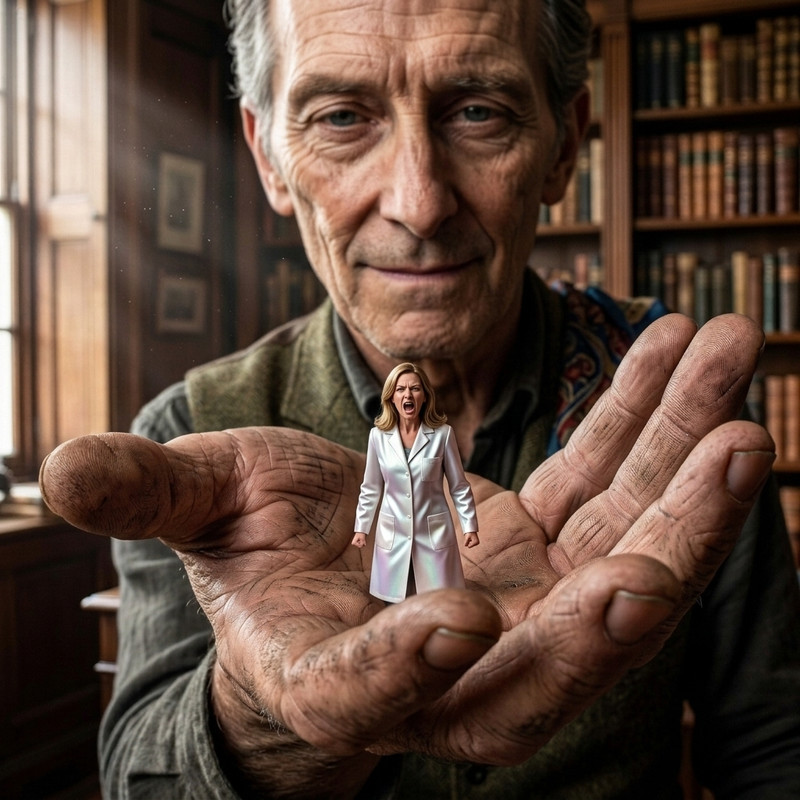
"The name ish Bond. 'Big' Bond. Not that tiny wanker with a peashooter in his pants."
-
Trunkmonkey
- Shrink Master

- Posts: 465
- Joined: Wed May 06, 2026 7:59 pm
Post
by Trunkmonkey » Wed Jul 01, 2026 5:36 pm
Spindrift wrote: ↑Wed Jul 01, 2026 4:41 pm
JOE66 wrote: ↑Wed Jul 01, 2026 12:24 am
"The name ish Bond. 'Big' Bond. Not that tiny wanker with a peashooter in his pants."
Fukken LOL!

-
Trunkmonkey
- Shrink Master
- Posts: 465
- Joined: Wed May 06, 2026 7:59 pm
Post
by Trunkmonkey » Wed Jul 01, 2026 5:37 pm
Yes Joe, I do like them they're actually quite neat. Laters!


-
JOE66
- Shrink Master
- Posts: 553
- Joined: Wed Jan 31, 2018 11:20 am
Post
by JOE66 » Wed Jul 01, 2026 10:42 pm
-
Trunkmonkey
- Shrink Master
- Posts: 465
- Joined: Wed May 06, 2026 7:59 pm
Post
by Trunkmonkey » Thu Jul 02, 2026 12:01 am
JOE66 wrote: ↑Wed Jul 01, 2026 10:42 pm
Trunkmonkey wrote: ↑Wed Jul 01, 2026 5:37 pm
Yes Joe, I do like them they're actually quite neat. Laters!
Cheers bud! Love the Bond comment

[James Bond with shrink gun]
Yes JOE, that Bond comment from Spindrift is pure class. Laters, me ode.
-
Hug0
- Shrink Adept

- Posts: 145
- Joined: Sat Nov 29, 2025 3:13 am
- Location: The Americas
- Gender:
Post
by Hug0 » Thu Jul 02, 2026 3:16 am
-
Trunkmonkey
- Shrink Master
- Posts: 465
- Joined: Wed May 06, 2026 7:59 pm
Post
by Trunkmonkey » Thu Jul 02, 2026 3:29 am
Hug0 wrote: ↑Thu Jul 02, 2026 3:16 am
I use Gemini also but one the biggest issues I have with it is some prompt rendered charters look like there from The Sims.
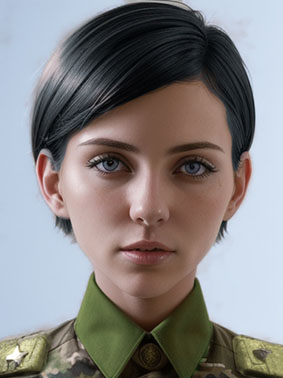
Hug0. Have you tried, "copy the woman's face in exact detail" or " copy the woman's face in exquisite detail" or "copy the woman's face in extreme detail" or, whatever it is that you want to stay the same in the scene as it is in your reference image as part of your prompt? I know that you will have already tried these but I use them and they work for me. Anyhoo, just sayin'. Laters!
-
bobvan2
- Shrink Master
- Posts: 982
- Joined: Thu Mar 23, 2023 2:27 pm
Post
by bobvan2 » Thu Jul 02, 2026 4:41 am
Trunkmonkey wrote: ↑Thu Jul 02, 2026 3:29 am
Hug0 wrote: ↑Thu Jul 02, 2026 3:16 am
I use Gemini also but one the biggest issues I have with it is some prompt rendered charters look like there from The Sims.
Hug0. Have you tried, "copy the woman's face in exact detail" or " copy the woman's face in exquisite detail" or "copy the woman's face in extreme detail" or, whatever it is that you want to stay the same in the scene as it is in your reference image as part of your prompt? I know that you will have already tried these but I use them and they work for me. Anyhoo, just sayin'. Laters!
Good pointers
-
Trunkmonkey
- Shrink Master
- Posts: 465
- Joined: Wed May 06, 2026 7:59 pm
Post
by Trunkmonkey » Thu Jul 02, 2026 5:35 am
bobvan2 wrote: ↑Thu Jul 02, 2026 4:41 am
Trunkmonkey wrote: ↑Thu Jul 02, 2026 3:29 am
Hug0 wrote: ↑Thu Jul 02, 2026 3:16 am
I use Gemini also but one the biggest issues I have with it is some prompt rendered charters look like there from The Sims.
Hug0. Have you tried, "copy the woman's face in exact detail" or " copy the woman's face in exquisite detail" or "copy the woman's face in extreme detail" or, whatever it is that you want to stay the same in the scene as it is in your reference image as part of your prompt? I know that you will have already tried these but I use them and they work for me. Anyhoo, just sayin'. Laters!
Good pointers
Here to help, if it does. Laters!
-
Hug0
- Shrink Adept
- Posts: 145
- Joined: Sat Nov 29, 2025 3:13 am
- Location: The Americas
- Gender:
Post
by Hug0 » Thu Jul 02, 2026 11:49 am
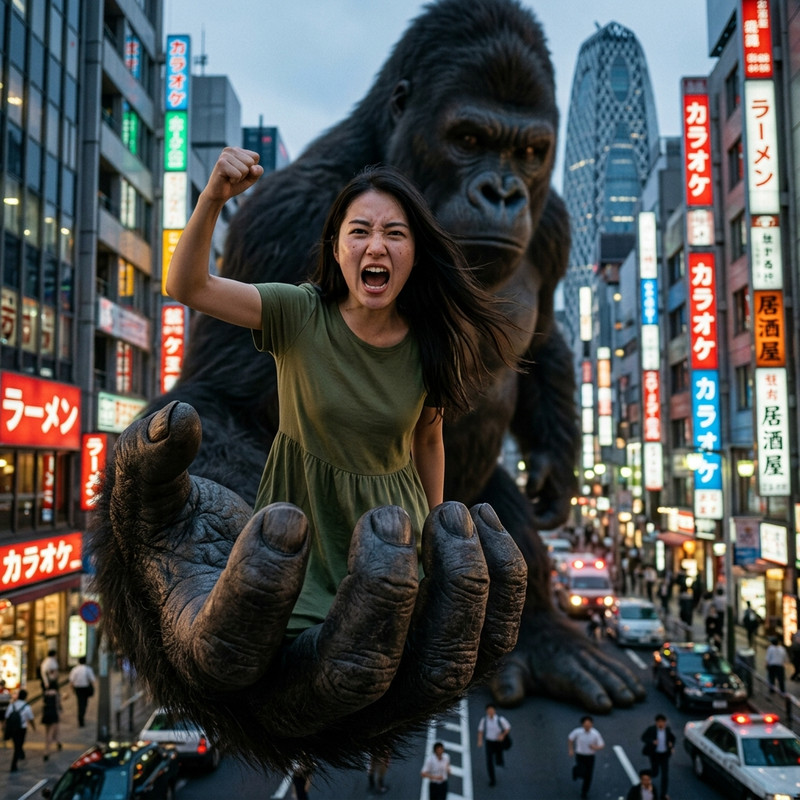
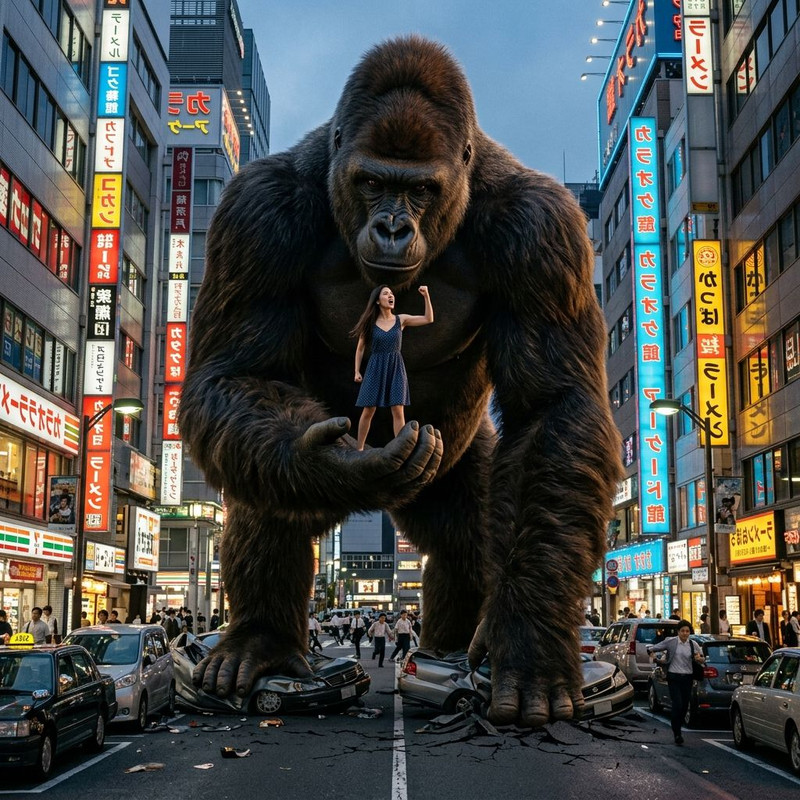
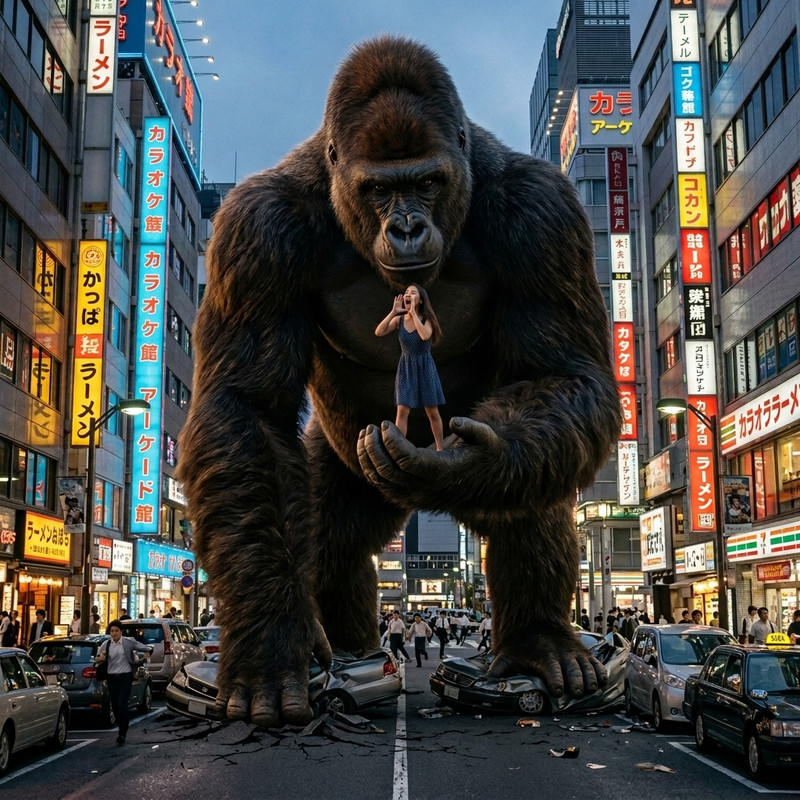
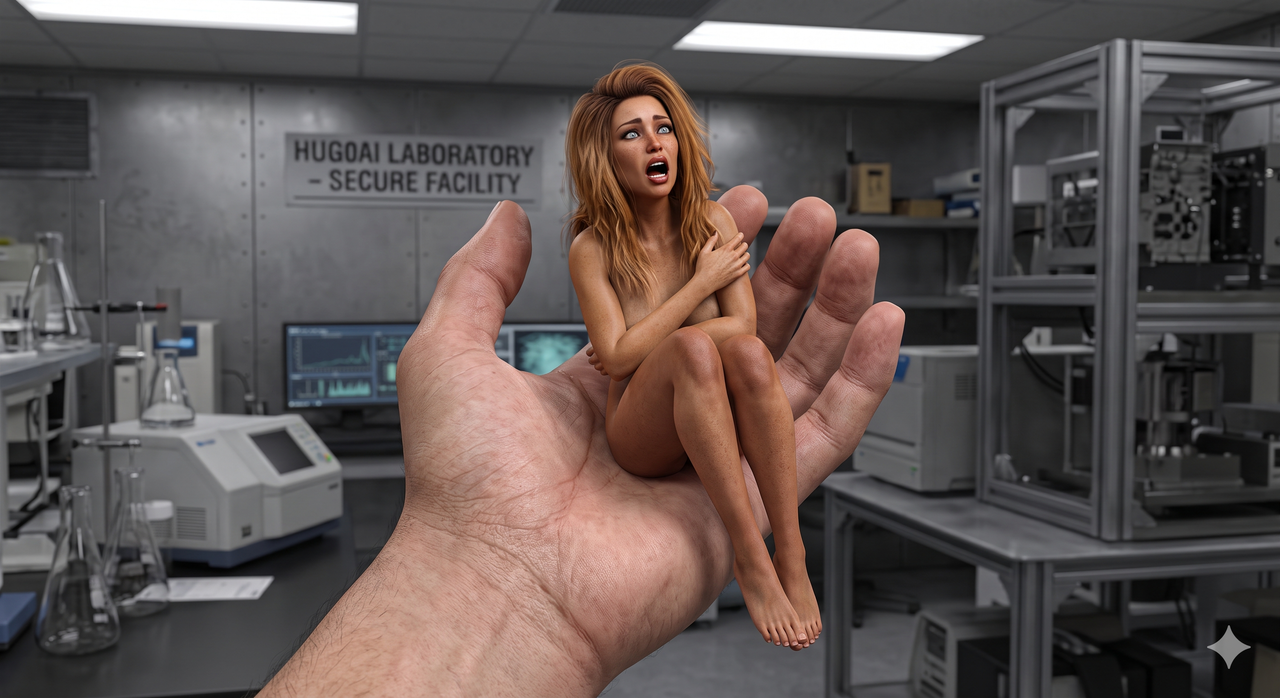
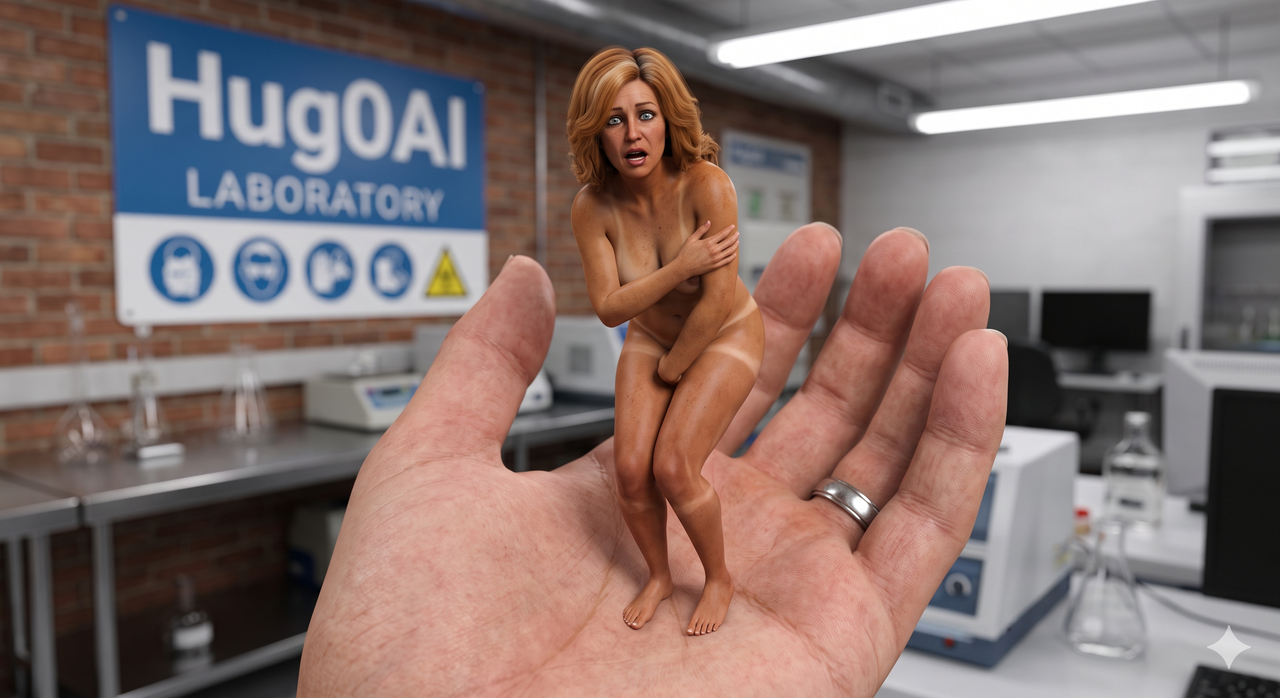
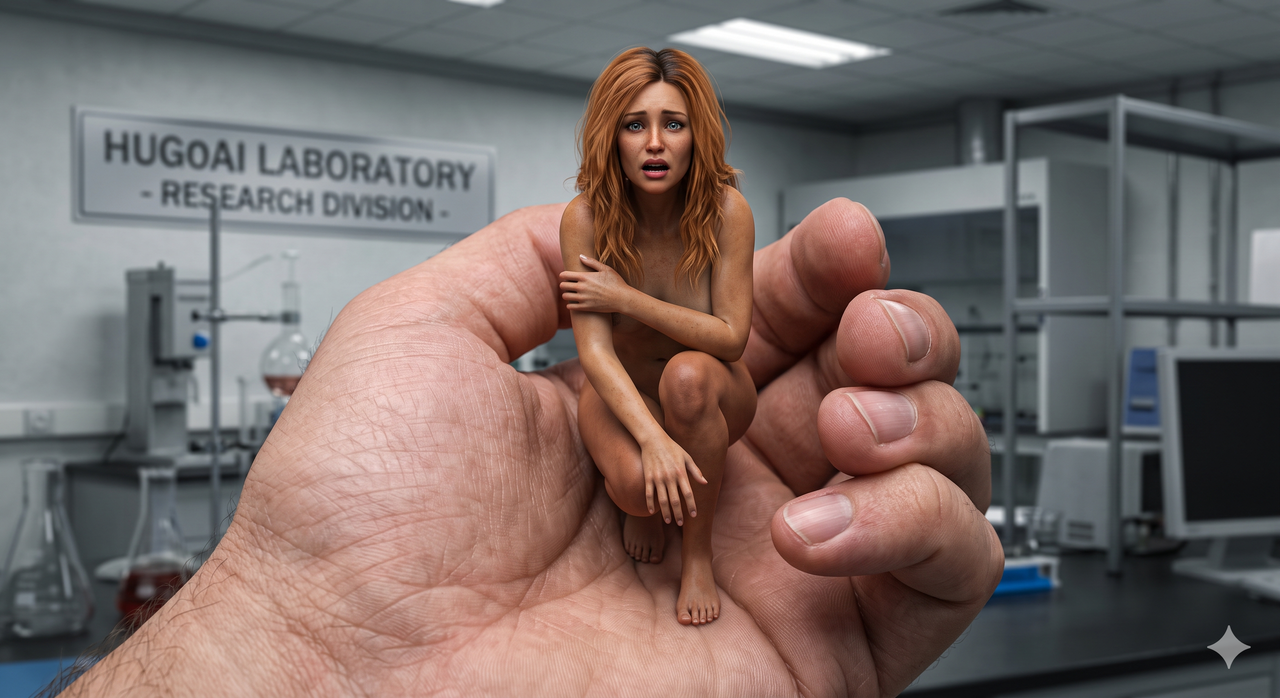
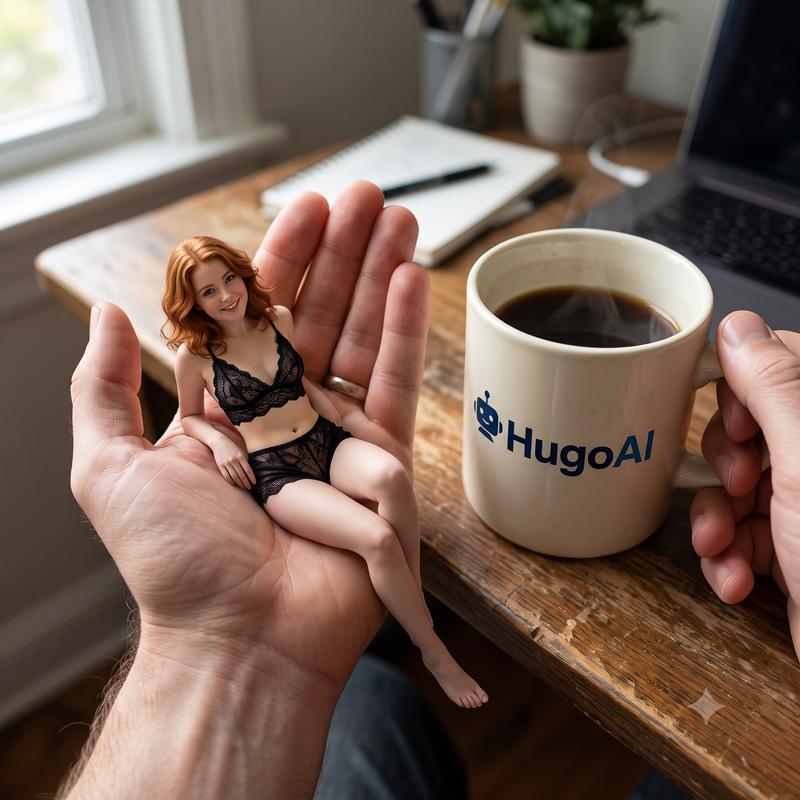
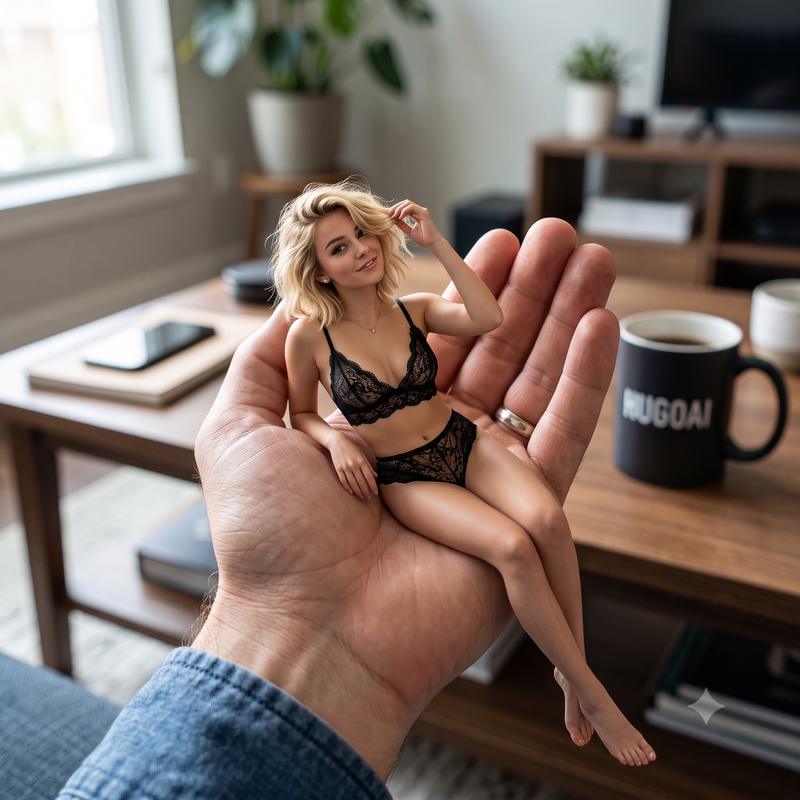
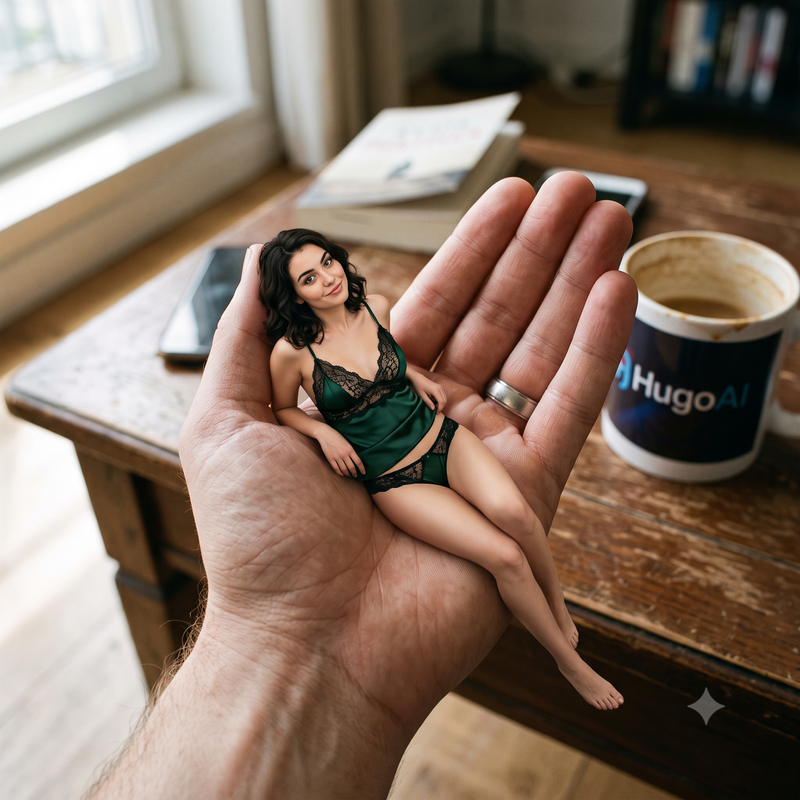
It doesn't happen all the time, but it can happen when the subject shows destress, also when the image gets overloaded with too much detail which can result in scaling issues.(Background props too big or too small) Lately it's gotten better as long as you don't overcomplicate the prompt. The best thing to do is sometimes keep it short & simple. I usually start out my prompts with
Make a realistic image in a realistic ____________ environment.
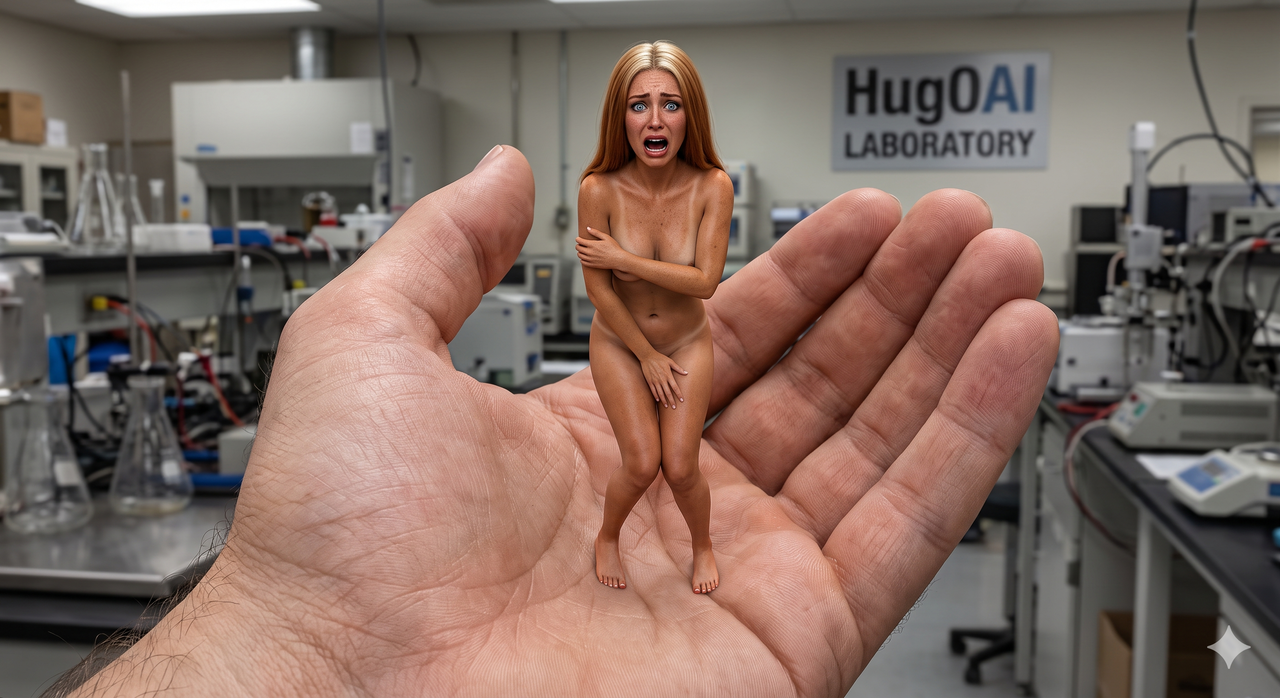
Here's some better examples:
-
Trunkmonkey
- Shrink Master
- Posts: 465
- Joined: Wed May 06, 2026 7:59 pm
Post
by Trunkmonkey » Thu Jul 02, 2026 2:13 pm
Hug0 wrote: ↑Thu Jul 02, 2026 11:49 am
It doesn't happen all the time, but it can happen when the subject shows destress, also when the image gets overloaded with too much detail which can result in scaling issues.(Background props too big or too small) Lately it's gotten better as long as you don't overcomplicate the prompt. The best thing to do is sometimes keep it short & simple. I usually start out my prompts with
Make a realistic image in a realistic ____________ environment.
Very similar to myself but I do add either of those prompts in somewhere if I want whoever/whatever it is or they are, to be whoever it is or whatever it is. Laters!
Last edited by Trunkmonkey on Fri Jul 10, 2026 1:45 pm, edited 1 time in total.
-
JOE66
- Shrink Master
- Posts: 553
- Joined: Wed Jan 31, 2018 11:20 am
Post
by JOE66 » Fri Jul 03, 2026 10:11 pm