
Anyway...once you have a Google account, go to this website: https://labs.google/fx where you will be immediately asked to log in via Google (unless you're already logged in on this device, in which case it will just skip that part). Once you log in, you will get to a screen like this:
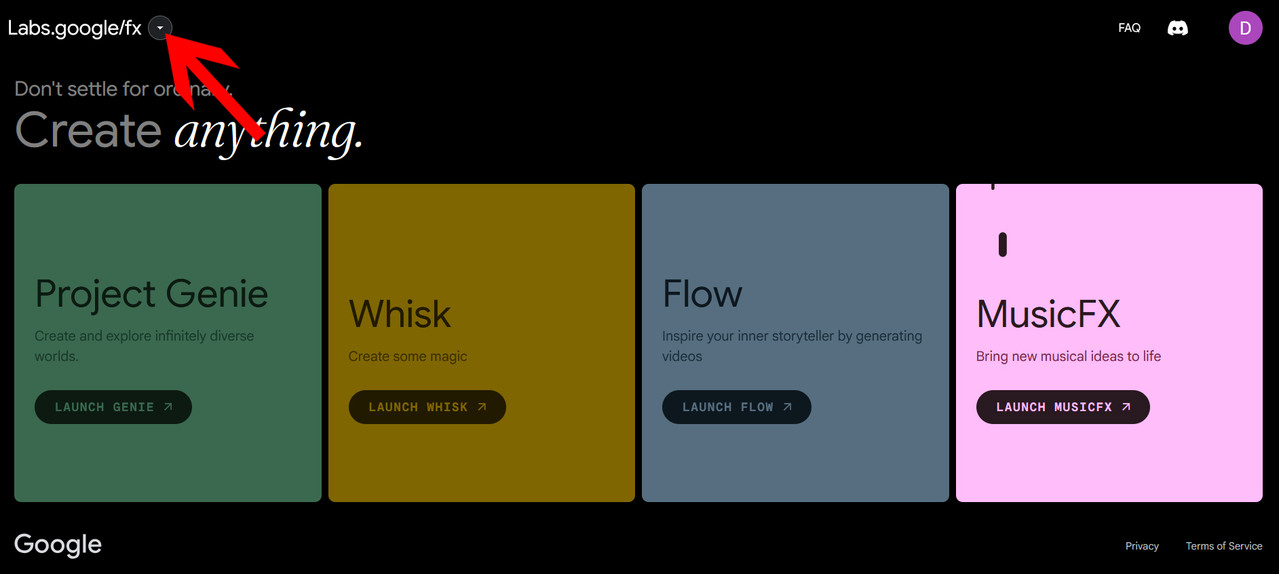
Click the drop-down button where the red arrow is pointing, and choose "Flow" which is where you'll do most of your shrinking work. You might have to click through a few intro screens first, but eventually you'll see an opening screen (which varies a lot so I won't post an image) but somewhere on it is a button that says create a new project. Click on that and you'll see a screen like this:
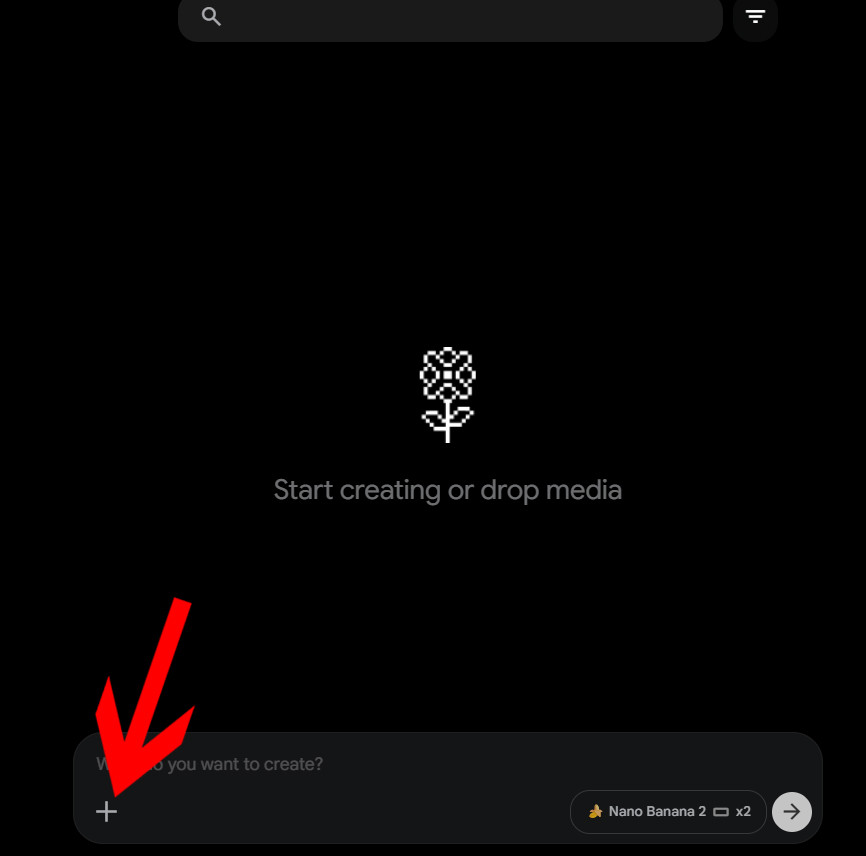
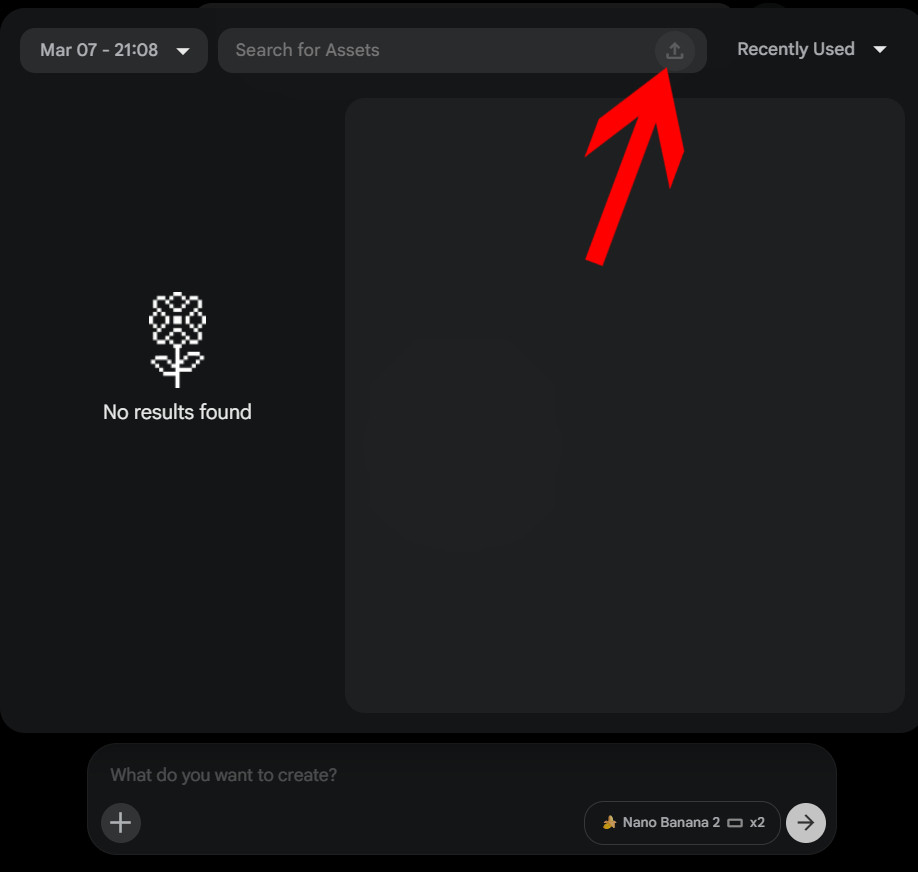
This is where you create stuff from scratch, but we're going to modify an existing image, so click the box in the bottom left corner to get to the assets window, which looks very similar. If you had any existing assets already created, they would appear here, but since you don't, let's add one by clicking the barely visible upload button at the top of the screen:
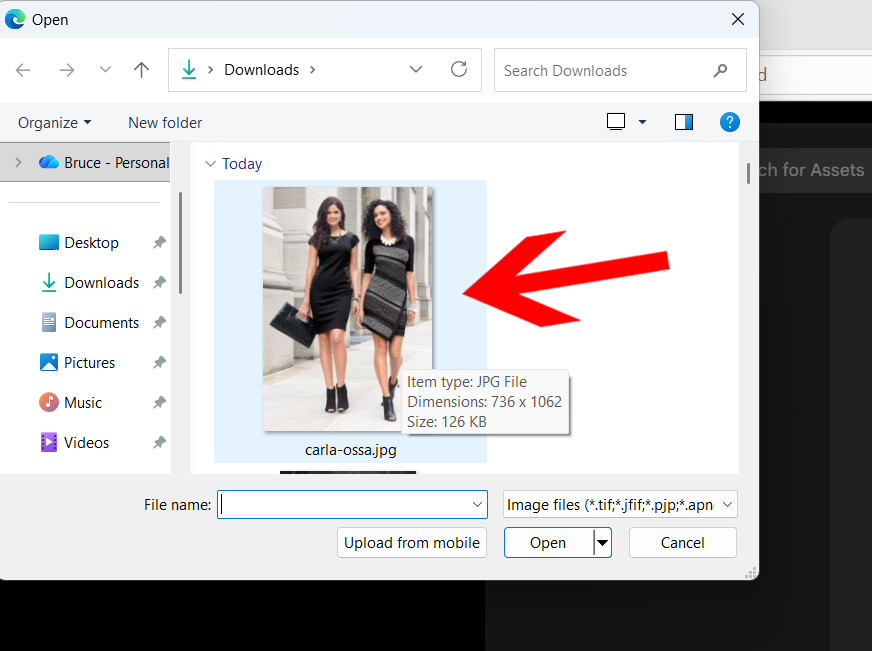
Now you can pick any file from your computer, so I'm going to select this one here of two models walking along wearing stylish clothing (double-click on the image to select it):
Once you've done this, the image is loaded into Flow, but hasn't been selected yet. You MUST click on the image first! If you don't, it will say "What do you want to create?" at the bottom. You'll know you're in the right place when it says "What do you want to change?" as in the image below. Hmm I wonder what attribute we're going to be altering today...
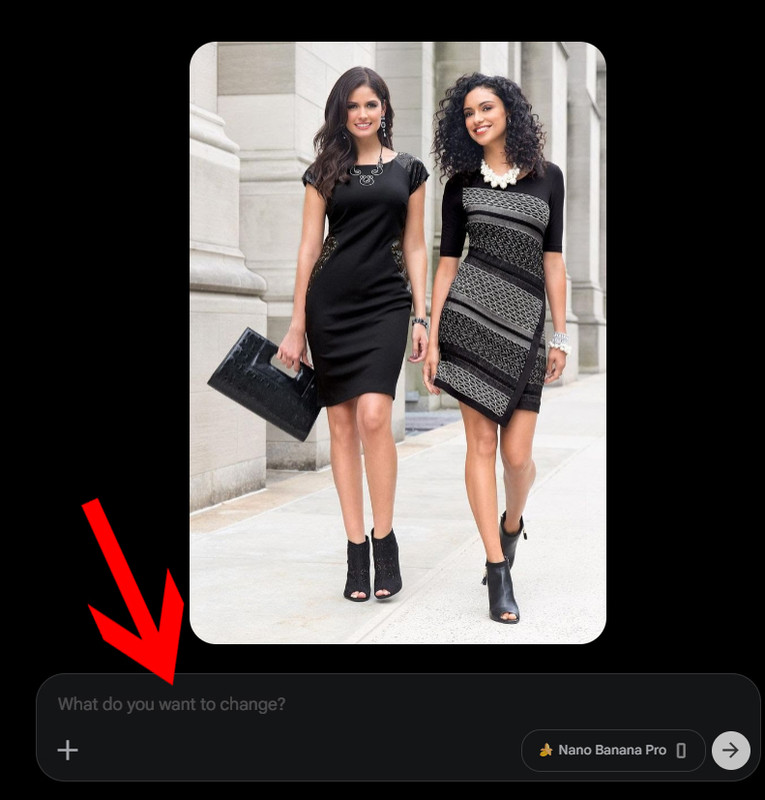
So here is what I typed in:

(Notice I didn't say shrink. It doesn't like that word. Use reduce. And don't say "reduce the size of..." because you always want to directly affect a specific target.) Anyway here is the result.
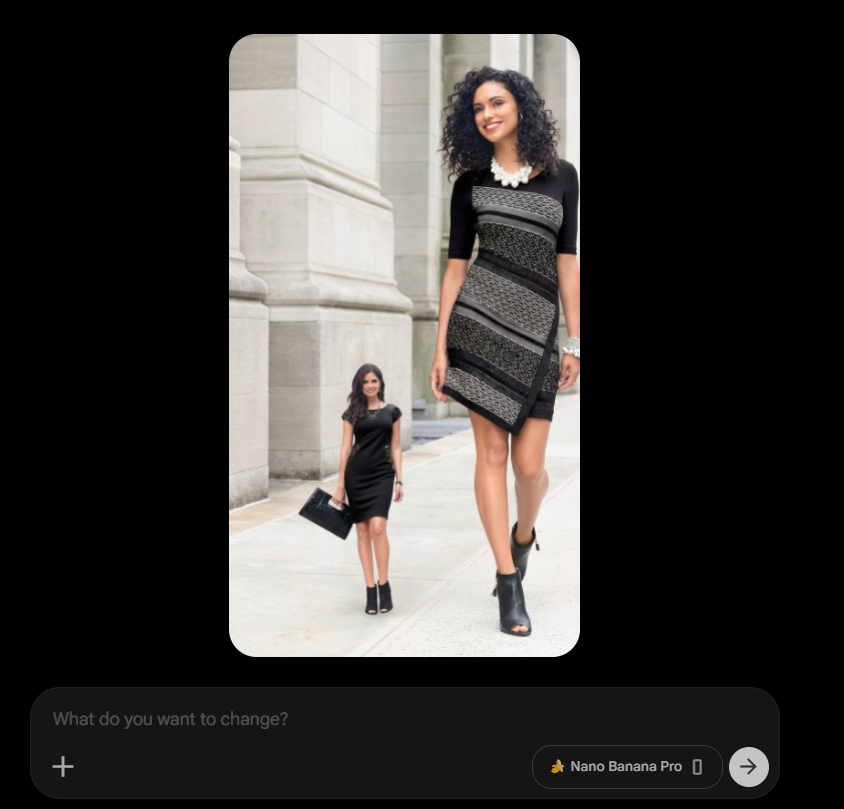
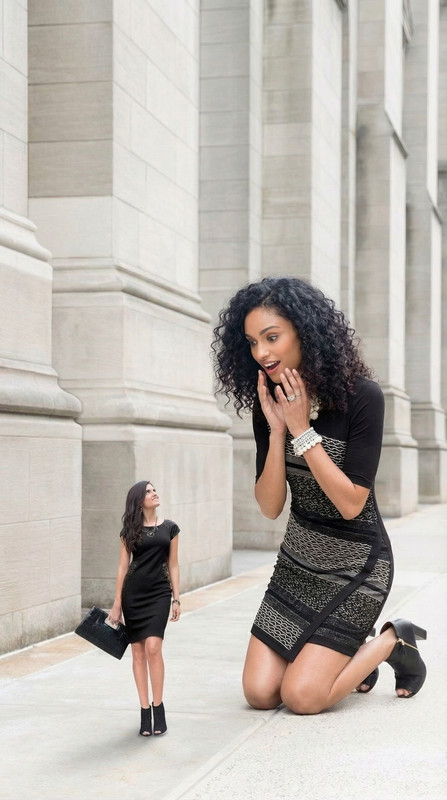
Poof! Just like that she's tiny. But you might notice she's not really exactly one-fourth of her original size, is she? The AI is not very precise with rescaling. You'll have to play around with it. I went through a few more tweaks and ultimately got her the right size, as you'll see in the next image. Oh and now for the fun part...you can keep making changes! Check out what I typed in the prompt box this time:
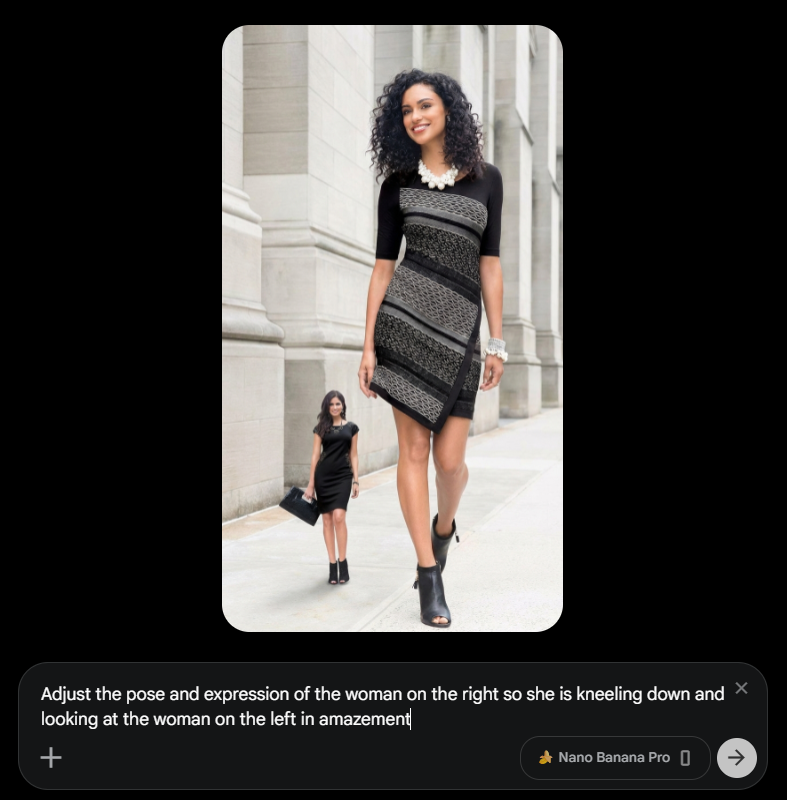
And here is the final result. Now it's your turn to give it a try. Have fun shrinking!